
Help overview/Patrol management
Creating a patrol
Create a new patrol in the Unit > Patrols section by clicking the **"New patrol"** button.
Create a new patrol in the Unit > Patrols section by clicking the “New patrol” button.
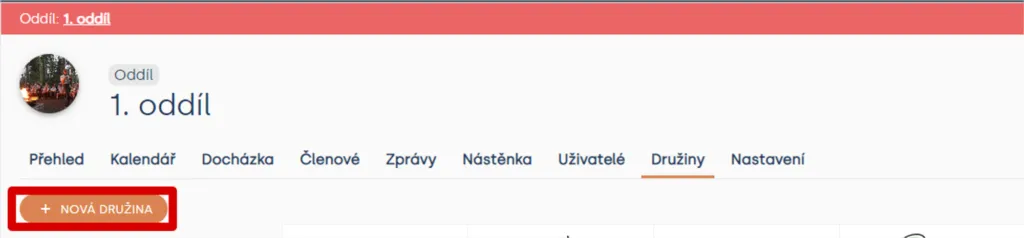
Unit > Patrols
In the window that opens, choose the patrol name and color. Then click the “Create” button.
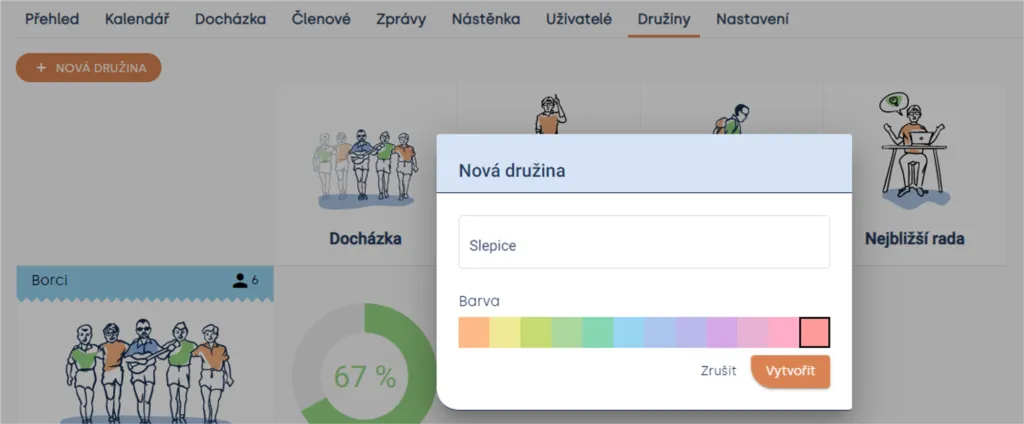
Unit > Patrols > New patrol
The new patrol will immediately appear in the patrol overview.
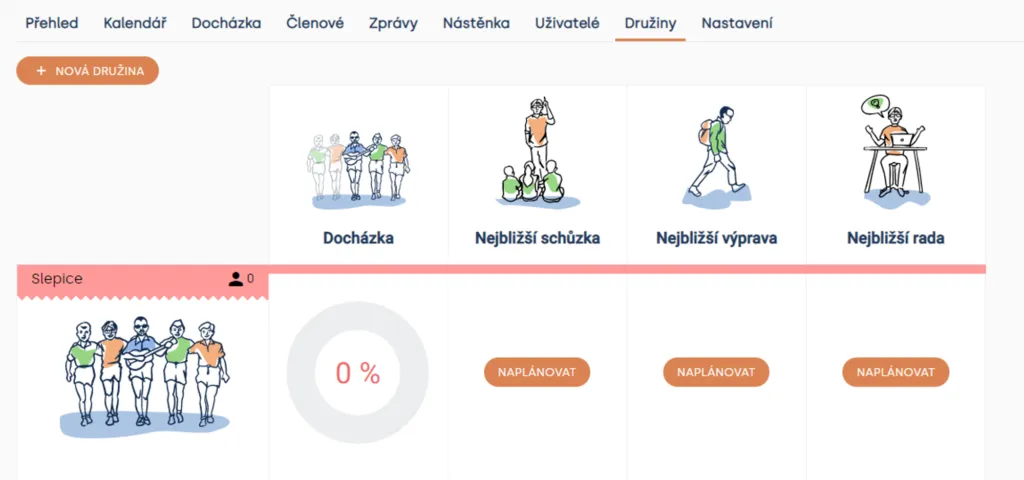
Unit > Patrols
Adding members
After creating a patrol / group, you can assign members from the unit to it. Members can be moved between patrols according to the team’s current split.
If you need to get a member into another unit, use the function for copying a member to another unit — this is not a patrol move.
Once you enter the patrol, Levitio will guide you on what to do next. In the overview, you have the option “Add members”.
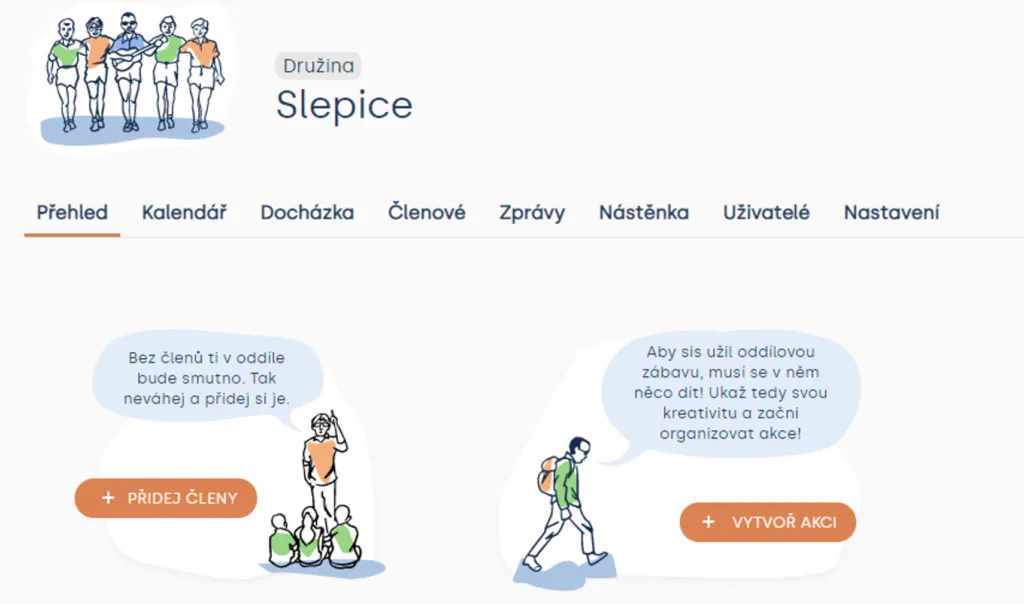
You can add members from the unit overview, by moving between patrols, or by SkautIS synchronization, if you use it.
Related articles
Patrol management
Patrol / group
A patrol or group is a smaller unit inside a unit / club. It helps split members and activity into smaller teams.
Getting started
Getting started
Levitio is used by organizations, leaders, members, and parents. This guide walks you through creating an organization and the first steps.
For parents
Levitio for parents
Parent and member portal: events, payments, noticeboard, and children's details in one place. You enter the portal with a personal link, without registration or a password.
For parents
How a parent pays with Levitio Pay
If the unit / club uses Levitio Pay, the parent receives a payment request and completes the payment in the parent and member portal — without registration.
Payments
Levitio Pay: payments
Levitio Pay helps units and clubs collect payments from parents and members. The bank account is set in the specific unit.